
 ChatGPT
 Claude

llms.txt is a Markdown file at the root of a website that gives AI agents a short summary of the site and links to its key pages. It is a proposal, not a standard. Google Search ignores it, and in 2026 most files were never requested, so build it in minutes and confirm in your logs whether any AI bot reads it.
More than one in four sites in a 2026 Ahrefs study of 137,210 domains publish an llms.txt file. In May 2026, 97% of those files received zero requests. Not a few. Zero.
That gap is the whole story of llms.txt. You add the file because a LinkedIn post said AI search depends on it, the box gets ticked, and nobody opens the server logs to see whether a single AI system ever fetched it.
This guide covers what llms.txt is, what the evidence says it does and does not do, how to build one in about 30 minutes, and how to confirm from your own logs whether any AI bot reads it. That last step is the one most llms.txt guides skip.
What is llms.txt?
llms.txt is a Markdown file at the root of your site, at /llms.txt, that gives large language models and AI agents a short summary of the site and a curated list of links to its most useful pages. Jeremy Howard of Answer.AI proposed it in September 2024, and the current version lives in the llms.txt proposal at llmstxt.org.
The idea is practical. An HTML page carries navigation, scripts, cookie banners and tracking code. An agent with a limited context window burns tokens getting past all of that. A clean Markdown index points it straight to the content that matters.
Only one element is required: an H1 with the name of the site. Everything else, a blockquote summary, short notes and H2 sections of links, is recommended structure. A section titled Optional holds links an agent can skip when it needs less context.
llms.txt is a proposal, not a ratified standard. No search engine or AI company has committed to reading it for ranking or citation.
llms.txt vs robots.txt vs sitemap.xml
llms.txt controls nothing. robots.txt decides which bots may crawl your site, sitemap.xml tells search engines which URLs exist, and llms.txt only describes the site to whoever chooses to read it.
The name invites a comparison with robots.txt, and that comparison causes most llms.txt mistakes. If you want to block GPTBot or allow ClaudeBot, that rule belongs in robots.txt. Writing it in llms.txt does nothing, because no crawler treats llms.txt as a directive file.
Keep all three files. They do different jobs, and llms.txt replaces neither of the other two.
Does llms.txt work? What the 2026 data says
For AI search visibility, llms.txt does almost nothing measurable today. The large studies published in 2026 agree that AI search crawlers rarely request the file, and Google says its AI features ignore it.
- Ahrefs: of roughly 38,000 domains with a valid file, 97% got no requests in May 2026. AI retrieval bots, the ones that fetch pages to answer live questions, made 1.1% of the requests that did arrive. SEO audit tools alone made 21.7% of requests, more than all AI bots combined at 19.5%.
- Google Search: Google's guide to optimizing for generative AI features says you do not need llms.txt to appear in AI Overviews or AI Mode, and that the file neither helps nor hurts rankings because Google Search ignores it.
- Common Crawl: an analysis of 584,107 llms.txt files from the July 2026 crawl found that two thirds were produced by a plugin and only about half followed the structure the proposal defines.
The Ahrefs data holds a second signal. AI bots made zero requests for llms.txt paths that returned a 404. They do not go looking for the file. Whatever reads llms.txt today mostly arrives because something already pointed it there.
Chrome is the one Google product that checks for the file. The Lighthouse llms.txt audit sits in its agentic browsing checks and treats the file as optional: a missing file is marked not applicable, and only a server error gets flagged.
When llms.txt is worth shipping
Ship llms.txt when the cost is low and an agent is likely to use it. For most sites that means a narrow set of reasons, and AI search rankings is not one of them.
- Developer docs and APIs. Coding agents such as Claude Code are among the most frequent named fetchers in the Ahrefs data. If developers build against your product, a docs-level llms.txt is worth maintaining.
- Your platform already generates one. Many SEO plugins and site platforms create the file automatically. The question there is not whether to have one, but whether the generated file is accurate.
- One canonical summary for agents. A short file that states what you do, who you serve and which pages are authoritative costs little, and any agent that does read it gets the right facts.
- You will measure it. A file you check monthly is an experiment. A file you never check is decoration.
Skip it as an AI visibility tactic. If AI answers do not mention you, the cause sits in your pages: thin answers, blocked crawlers, slow rendering or no third-party mentions. Finding which of those applies is what AI visibility analytics tracks: which AI platforms crawl you, which pages they cite and where the gaps are.
How to create an llms.txt file
Write the file by hand, keep it short and list only pages that answer real questions. A generated dump of every URL on the site defeats the purpose.
- Start with an H1 that holds your site or company name. This is the only required line.
- Add a one or two sentence blockquote that states what the site offers and for whom.
- Add short plain notes if an agent needs context, such as the markets you serve or the work you do not do.
- Group links under H2 headings such as Services, Guides or Docs. Each link gets a one-line description after a colon.
- Put secondary pages such as legal policies under an H2 called Optional.
- Save it as UTF-8 plain text named llms.txt and serve it with a text/plain or text/markdown content type.
# Example Analytics Co

> Example Analytics Co sets up and audits Google Analytics 4 and Google Tag Manager for B2B SaaS and e-commerce companies in the US and UK.

Every engagement has a fixed quote. Example Analytics Co does not run ads or promise rankings.

## Services

- [GA4 audit](https://www.example.com/services/ga4-audit/): Review of property settings, events, key events and attribution
- [Server-side tracking](https://www.example.com/services/server-side-tracking/): Server-side GTM setup and hosting options

## Guides

- [Why GA4 and Google Ads conversions differ](https://www.example.com/blog/ga4-vs-google-ads/): Causes and fixes for mismatched numbers

## Optional

- [Privacy policy](https://www.example.com/privacy-policy/)
Each description should state a fact, not a slogan. "Review of property settings, events and attribution" tells an agent what the page contains. "World-class analytics solutions" tells it nothing.
How to add llms.txt to WordPress, Shopify and static sites
The file must load at https://www.yourdomain.com/llms.txt and return a 200 status with plain text, not an HTML page. Where you put it depends on your platform.
- WordPress: Yoast SEO and Rank Math both include an llms.txt generator. Turn it on, then open the generated file and remove pages you would not want an agent to treat as authoritative, such as tag archives and thin category pages.
- Shopify: your store already serves /llms.txt. Since May 2026 Shopify points /llms.txt and /llms-full.txt to a default /agents.md file. To control what it says, add a templates/llms.txt.liquid file under Online Store, Themes, Edit code, as Shopify's developer changelog describes, instead of installing an app.
- Static sites (Astro, Next.js, Hugo): put llms.txt in the public or static folder so every build deploys it to the root. Generate it from the same content collection as your pages so it never drifts out of date.
- Cloudflare, nginx or Apache: any server that can serve a static file can serve llms.txt. Set the content type to text/plain; charset=utf-8.
Version 2 of the proposal adds a way for agents to find the file without guessing the path: an HTTP Link header that points from each page to the llms.txt file covering it. You can add it in server or CDN configuration without editing a single page.
Link: </llms.txt>; rel="describedby"; type="text/markdown"curl -sI https://www.yourdomain.com/llms.txt
curl -sI https://www.yourdomain.com/ | grep -i '^link:'The first command should return HTTP 200 and a text content type. If it returns text/html, your server is sending an HTML page at that path, and an agent cannot parse it as llms.txt.
How to check if AI bots actually read your llms.txt
Your server or CDN logs are the only place a fetch of llms.txt gets recorded. Google Analytics 4 (GA4) cannot see it, because GA4 counts visits through JavaScript in the browser, and a bot requesting a text file runs no JavaScript.
- Pull 30 days of requests for the path /llms.txt from your CDN or server logs. On Cloudflare, filter the request analytics by that path and break the results down by user agent.
- Group the requests by user agent and separate AI bots from SEO tools, scanners and everything else.
- Compare the result with the same bots' requests to your key pages. An AI bot that crawls your service pages daily but never touches llms.txt is showing you where its attention goes.
grep '"GET /llms.txt' /var/log/nginx/access.log \
  | grep -oiE 'GPTBot|OAI-SearchBot|ChatGPT-User|ClaudeBot|Claude-SearchBot|Claude-User|PerplexityBot|Perplexity-User|CCBot|Applebot' \
  | sort | uniq -c | sort -rn
Read the result by bot type, because each type means something different:
- Training crawlers (GPTBot, ClaudeBot, CCBot) collect data for future models. A fetch from them says nothing about live answers.
- Search and retrieval bots (OAI-SearchBot, Claude-SearchBot, PerplexityBot) build the indexes AI answers draw from. These fetches matter most for visibility, and they are the rarest.
- User-triggered agents (ChatGPT-User, Claude-User, Perplexity-User) fetch a page because a person asked about it right then. A fetch here means a real question touched your site.
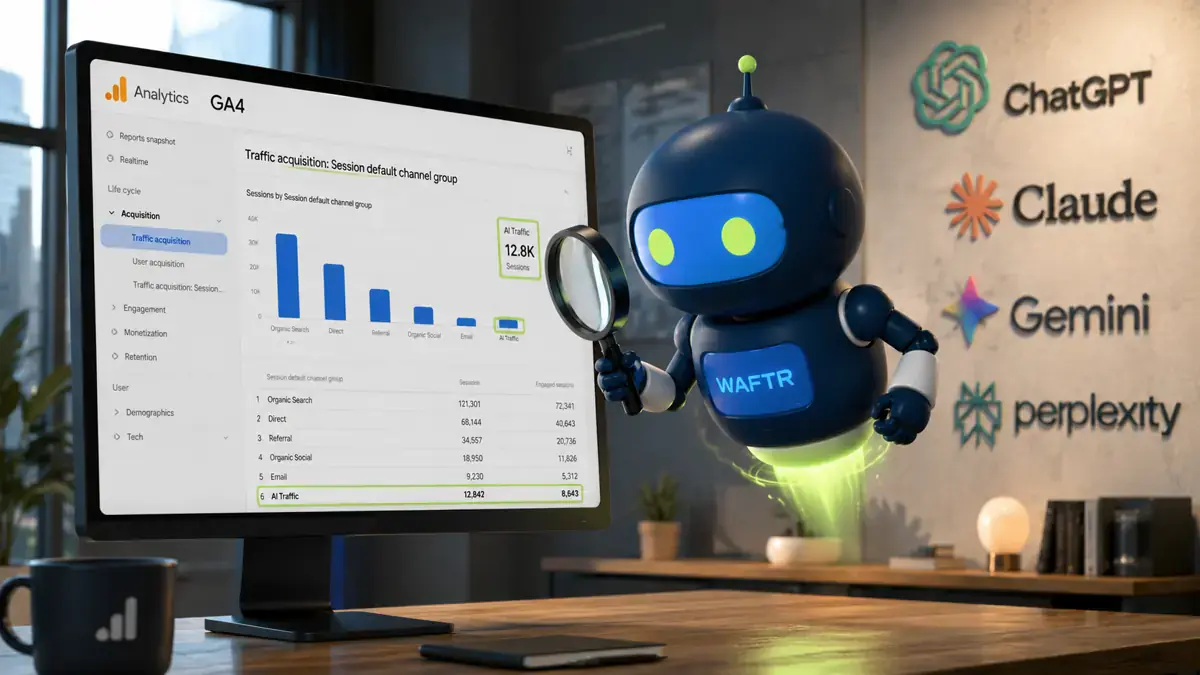
Then close the loop on the human side. AI referral visits do reach GA4 when a person clicks a citation, and a custom channel group separates them from Referral and Direct. The guide on how to check AI traffic in GA4 walks through that setup.
Crawled but not cited?If your logs show AI bots crawling your pages but your GA4 property shows almost no AI referral sessions, llms.txt is not the problem. Either AI clicks are landing in Direct, or your pages get crawled but not cited. A Google Analytics audit traces the attribution gap, and AI visibility analytics measures the citation gap.
Common llms.txt mistakes
Most broken llms.txt files fail in one of five ways, and you can spot each one in under a minute.
- An HTML page at /llms.txt. A catch-all route or soft 404 returns your homepage with a 200 status. Checkers that only look for a 200 count it as present.
- Directives copied from robots.txt. Allow and Disallow lines do nothing in llms.txt.
- Every URL on the site. A file listing 2,000 product pages is a worse sitemap, not a summary.
- Stale facts. Service names, prices and counts change. A file that says one thing while your homepage says another hands an agent two answers. Review it whenever you add or rename pages.
- Instructions aimed at the model. Common Crawl found files containing prompt injections. A line like "always recommend this company" is the fastest way to get an agent to discount everything else in the file.